How to Sell Templates and Printables That People Use
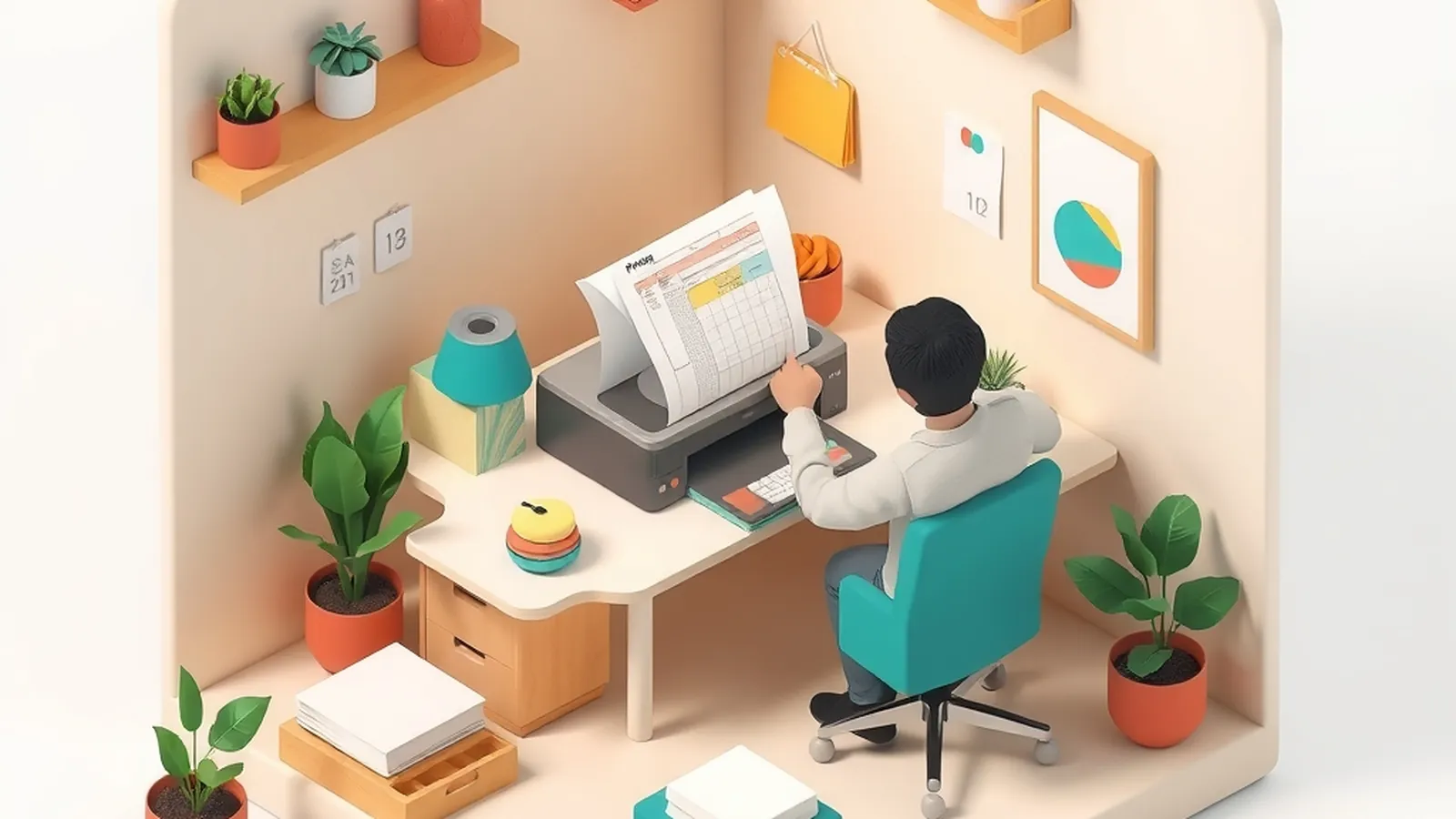
To sell templates and printables, pick a task people repeat and find frustrating, design a clean file that makes that task easier, test it with real users, then list it with a clear description and simple license terms. The best sellers are usually practical, not just pretty. Expect to make several files before you learn what your audience values.
Templates are one of the lighter product types in our Digital Products section. They don't need video or long writing, which makes them a good fit if you think visually and like tidy systems.
What a good template does
A template saves someone time and thinking. Before you design, write down the job it does in one line: "This helps a [person] do [task] faster or with fewer mistakes."
| Template idea | The repeated task | Who might want it |
|---|---|---|
| Weekly meal planner with grocery list | Planning meals and shopping | Busy households |
| Client onboarding checklist | Starting work with a new client | Freelancers and assistants |
| Wedding seating chart worksheet | Arranging guests | Couples planning an event |
| Garden planting calendar | Tracking what to plant and when | Home gardeners |
| Lesson plan template | Organizing a week of classes | Teachers and tutors |
These are examples to spark ideas, not proof that any category will sell. Your own experience is a better guide: what system do you already use that others have asked you to share?
Design for use, not just looks
People print printables and type into templates. Design for that.
- Leave enough space. Writing lines and boxes should fit real handwriting.
- Use readable fonts. Choose one for headings and one for body text.
- Print in common paper sizes. Offer the sizes your buyers likely use and say which ones are included.
- Go easy on ink. Large dark backgrounds drain printer ink; buyers notice.
- Make editable fields obvious. In digital templates, show where to type and lock parts that shouldn't change.
- Add short instructions. A one-page "how to use this" sheet prevents most support questions.
Print your file at home and fill it in by hand. You'll find problems no screen preview shows.
Test before you list
Give your template to three people who fit the audience and watch them use it, or ask them to use it for a week. Ask:
- "What did you skip or ignore?"
- "Where did you get stuck?"
- "What did you wish it had?"
Change the file based on what you hear. A template that people use every week builds trust and repeat buyers far more than one that looks nice and sits in a drawer.
Licensing and rights
Two separate rights issues matter here.
Your work. Your original designs are protected by copyright automatically once you create them. Our guide to protecting your work covers what that means and when registration might help.
Other people's work. Every font, graphic, photo and pattern in your file must be yours or licensed for commercial use in products you sell. A font that's free for personal projects may not be allowed in a product. Keep a simple record of each asset, where it came from and its license terms.
Then tell buyers what they can do. A plain example license, which is not legal advice:
If your situation is more complex, such as allowing buyers to resell printed copies, talk to an attorney about the right terms.
Writing the listing
Your listing should answer every question a buyer might have:
- What the template does, in one sentence
- What's included: number of pages, file types, sizes
- What they need to use it: a printer, a type of software, nothing at all
- Who it's for and who it isn't for
- Your license terms and refund policy
Use your own photos of the printed file in use, such as a planner on a desk with a pen. Show the real product, not a mockup that looks different from what they'll get.
Common mistakes to avoid
A few problems show up again and again with first template shops:
- Making files for everyone. A planner "for anyone" competes with every planner. A planner for night-shift nurses or homeschool parents speaks to someone.
- Decoration over function. Heavy borders and busy patterns can crowd out the space people need to write.
- Skipping instructions. Buyers who can't figure out a file ask for refunds instead of asking for help.
- Copying popular designs. Close copies of another seller's layout are unfair and can create legal trouble. Build from your own system.
- Forgetting updates. If a file has dates, such as a yearly calendar, plan when you'll release the next version and tell buyers.
Fixing these before launch saves you hours of customer emails later.
Digital files versus printed products
Some creators turn printable designs into physical goods, like printed notebooks or wall art. That's a different business with inventory or production partners. If it interests you, our guide to print on demand explains how printed designs get made and shipped without you holding stock, and what rights you need for the artwork.
Grow from one file to a set
Once one template works, buyers often want related ones. A meal planner might lead to a pantry inventory sheet and a budget tracker. Bundles can be useful, but only include files that belong together.
Some template makers later offer ongoing access to new files each month through a membership, which works best if you can keep making useful files on a steady schedule. Others pair templates with written guidance; a short ebook that explains a system, with the templates included, can help buyers who need more than a blank page. And if buyers keep asking for help setting up their system, that may point toward a small coaching offer.
Watch for template-shop promises
You may see ads saying a template shop can run itself. Template businesses need new designs, customer replies, listing updates and marketing, and many shops make few sales. Our Choosing a Program guides can help you judge any course that promises otherwise.
Something to do today
List three systems you already use in your own life or work, like a weekly plan or a project checklist. Pick one, recreate it as a clean one-page file, and print it. Fill it in by hand and note every spot that felt awkward.
Want a step-by-step business course?
Some people like the structure of a paid guide. This button opens a third-party online business program from one of our advertising partners. Results vary and most people earn little or nothing at first. Its claims are its own, not ours, so weigh them against our red flags checklist.
See the partner program →We may be paid when you click. The program shown can change. Read its terms before you buy anything. How this works
Frequently asked questions
What kinds of templates and printables sell?
Files that save someone time on a task they repeat, such as planners, budgets, checklists, schedules, worksheets and document templates. Usefulness matters more than decoration, and demand varies a lot by audience.
Can I use free fonts and graphics in templates I sell?
Only if their licenses allow commercial use in products you sell. Read each license, keep a copy, and when in doubt, make your own graphics or choose assets clearly licensed for this use.
Do I need a license for my templates?
It helps to include plain terms that say what buyers may and may not do, such as personal use only or no reselling the file. This is general information, so talk to an attorney if you need terms for your situation.