How to Start a YouTube Channel With the Gear You Already Have
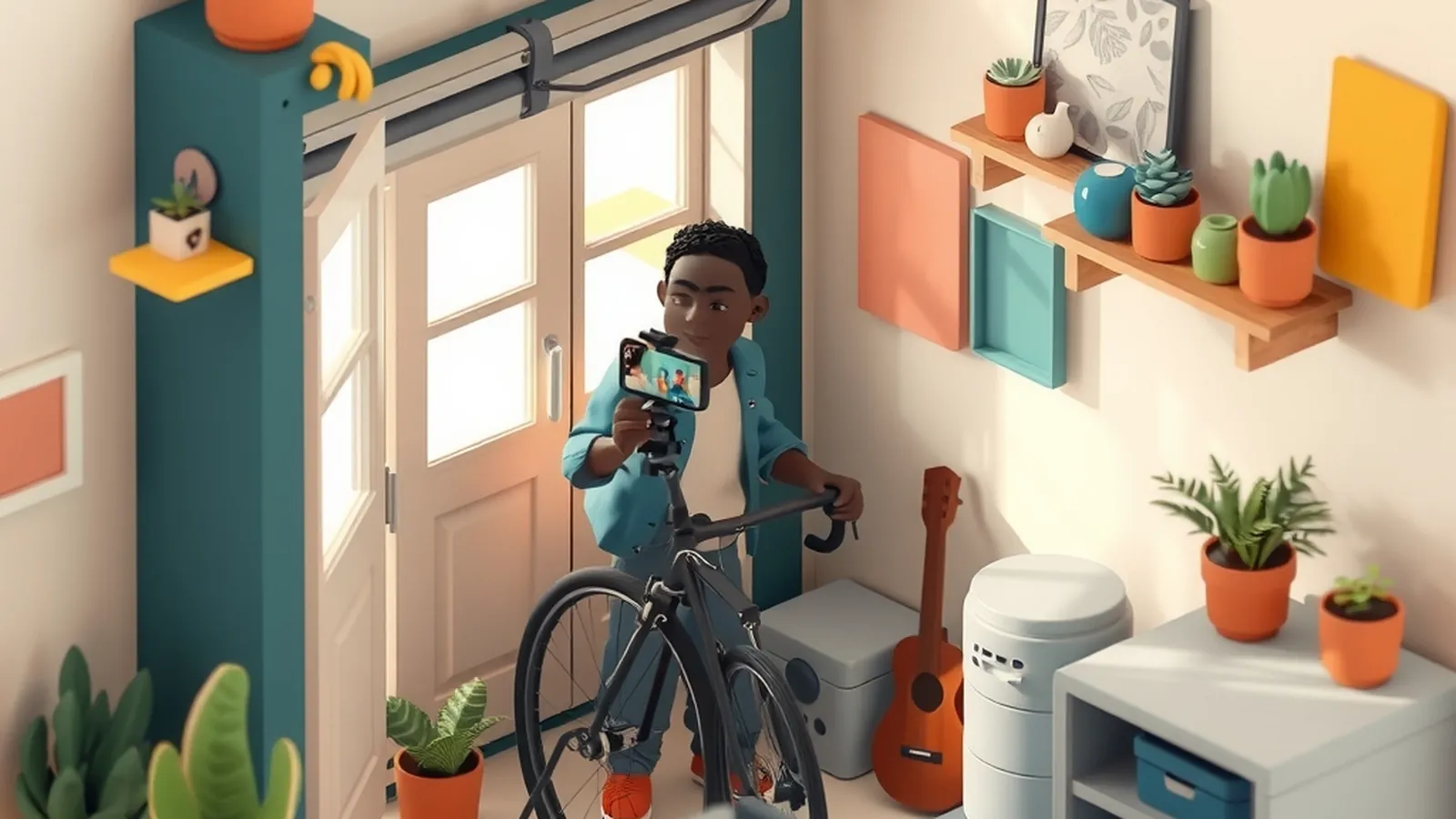
To start a YouTube channel, choose a clear focus for a specific viewer, set up your channel with a simple name and description, film your first videos with the phone and light you already have, and publish on a schedule you can keep. You do not need a studio. You need a topic people search for and a habit of finishing videos.
Video is one of the channels in our Content & Audience section, and it suits people who explain things better by showing than by writing.
Step 1: Choose a focus
The channels that hold attention tend to do one thing for one kind of viewer. "Easy weeknight dinners for people who just started cooking" gives a viewer a reason to subscribe. "Random stuff I like" does not.
Answer three questions:
- Who is the viewer? Be specific: new runners over forty, first-time homeowners, people learning to sew.
- What do they want help with? Name the problems they would search for.
- What can you show them? Video works best when there is something to see: a process, a before and after, a demonstration.
If you are torn between several topics, choose the one where you could list thirty video ideas tonight.
Step 2: Set up the channel
YouTube's setup steps change from time to time, so follow its current instructions. In general, you will:
- Create the channel under an account you control long term. Consider a separate account for your business.
- Pick a clear name. It does not need to be clever; it needs to be easy to remember and spell.
- Write a short description that says who the channel is for and what they will get.
- Add a simple profile image and banner. A clean photo or plain design is fine.
Read YouTube's current community guidelines and monetization policies before you start, and check them again from time to time. They change, and they govern what you can post and how channels may earn.
Step 3: Use the gear you have
Here is what actually matters, in order of priority.
| What | Why it matters | Starter approach |
|---|---|---|
| Sound | Viewers leave when they cannot hear clearly | Record in a small room with soft furnishings; get close to the phone; consider a simple clip-on mic later |
| Light | Dark, grainy video is hard to watch | Face a window during the day; avoid a bright window behind you |
| Stability | Shaky video is tiring | Use a basic tripod or prop your phone on books |
| Camera | Matters less than people think | A recent phone is fine |
| Editing | Removes mistakes and dead air | Start with a free basic editor; cut pauses, keep it simple |
Do not buy a pile of gear before your tenth video. You will learn what you actually need by making videos first.
Step 4: Plan your first videos
YouTube is a search engine as well as a place to browse, so many beginners start by answering questions people already type into it. Our keyword research guide shows free ways to find those questions, including watching the suggestions that appear as you type into YouTube's own search box.
A useful first batch is five videos:
- A how-to that solves one specific problem.
- A beginner mistakes video for your topic.
- A comparison between two common options.
- A walkthrough of your own process from start to finish.
- An answer to a question someone asked you in real life.
A simple video script outline
- Hook (first seconds): say exactly what the video will help with.
- Quick context: why this problem matters, in one or two sentences.
- Main steps: show each one clearly, with a short pause between steps.
- Common mistake: one thing to avoid.
- Close: a one-sentence recap and a pointer to a related video.
Write the outline, not a word-for-word script, unless reading helps you. Many people sound more natural with bullet points.
Step 5: Film, edit and publish
Here is an example. Marcus wants to start a channel showing beginner bike repairs. They film in their garage near the open door for light, prop their phone on a stool, and record a clip-on mic into the phone. The first video, on fixing a flat tire, takes three tries and an evening of editing. The second takes less time. By the fifth, Marcus has a routine: film on Saturday morning, edit Sunday evening, publish Tuesday.
When you publish:
- Write a clear title that names the problem the video solves.
- Write a description that summarizes the video and links to related videos.
- Add chapters if the video has distinct steps, so viewers can jump ahead.
- Choose a thumbnail that shows the subject clearly. Make it honest; it should match the video.
Step 6: Keep going and learn
Your early videos will be rough. That is part of the process. After each one, note one thing to improve next time: clearer audio, a faster start, better lighting. Read comments for new video ideas. When several viewers ask the same follow-up question, that is a strong sign it deserves its own video. Keep a running list so you always know what to film next, even on a week when ideas feel thin.
Avoid buying views, subscribers or comments. It breaks platform rules, misleads viewers and does nothing to build a real audience.
Beyond YouTube
Video can support other channels. If you enjoy talking more than filming, a podcast uses many of the same planning skills. A newsletter gives you a way to reach viewers directly, without depending on any one platform. And if you want to share affiliate recommendations in videos, our guide to affiliate marketing without a website covers how that works and why clear disclosure matters.
Some creators eventually earn from YouTube through ads, sponsorships, affiliate links or their own products, but results vary widely and many channels earn little or nothing. Treat any income as uncertain and keep your day job steady while you learn.
Do this today
Write down your viewer and their top problem in one sentence. Then list five video ideas using the five types above. Pick the easiest one, sketch the outline, and record a rough test clip on your phone near a window, just to hear how you sound.
Want a step-by-step business course?
Some people like the structure of a paid guide. This button opens a third-party online business program from one of our advertising partners. Results vary and most people earn little or nothing at first. Its claims are its own, not ours, so weigh them against our red flags checklist.
See the partner program →We may be paid when you click. The program shown can change. Read its terms before you buy anything. How this works
Frequently asked questions
Do I need expensive equipment to start on YouTube?
No. A recent phone, a window for light and a quiet room are enough for a first video. If you upgrade anything early, make it audio, because viewers tend to forgive plain video more than hard-to-hear sound.
Do I have to show my face?
No. Many channels use screen recordings, overhead shots of hands at work, slides or voiceover. Choose the style that fits your topic and your comfort, and stick with it for a while.
How many subscribers will I get?
No one can predict that. Growth varies widely, and many channels stay small for a long time. Focus on making each video useful for a specific viewer and on publishing consistently.