How to Start an Online Store, One Careful Step at a Time
To start an online store, pick one product you understand, decide whether to sell on a marketplace or your own site, set up listings, payments, shipping and a return policy, then open with a small batch and learn from real customers. That's the whole shape of it. The details are where most of the work hides, and this page walks through them in order.
It's the first stop in our E-commerce section, so later guides on photos, pricing and shipping build on what you set up here.
Step 1: Choose a product you can explain
Your first product doesn't need to be clever. It needs to be something you can describe honestly, answer questions about and stand behind. Good starting points:
- Something you already make, repair or collect
- Something you use daily and know the weak points of
- Something a group you belong to keeps asking about
Then ask: can I get this product reliably, at a cost that leaves room for shipping, fees, returns and my time? If you can't answer yet, that's fine. It means your next job is research, not a website.
Step 2: Decide how you'll get the product
How you source the product shapes the whole business.
| Model | How it works | Main trade-off |
|---|---|---|
| Buy and hold stock | You buy inventory and ship it yourself | More cash up front, more control |
| Make it yourself | You produce each item | Your time is the limit |
| Print on demand | A partner prints and ships when an order comes in | Little stock, less control over production |
| Dropshipping | A supplier ships directly to your customer | No stock, little control over quality or speed |
If you make things by hand, our guide to running a handmade business covers pricing your time and working in batches. If you have designs but no workshop, print on demand lets you sell them without buying a pile of shirts first. If you're drawn to selling without touching inventory at all, read dropshipping explained first, because it's often sold as easier than it is.
Step 3: Pick a marketplace or your own store
This is the decision beginners worry about most. Here's a plain comparison.
A marketplace (such as Etsy or Amazon) already has shoppers. You create a seller account, follow its rules and list products. You'll compete with many other sellers on the same page, and the marketplace controls how your shop looks and how you can contact buyers.
Your own store runs on a store platform or website builder. You choose the design, own your customer list and set your own policies within the law. The catch: nobody visits unless you bring them through search, social media, email or ads.
A simple rule of thumb: if you don't yet know whether anyone wants your product, a marketplace is often the cheaper test. If you already have an audience, your own store may make more sense. Our tools section explains types of website builders in general terms if you go that route.
Step 4: Set up the basics
Before you open, get these in place. Most take an afternoon each.
- Name and look. Keep it short, easy to spell and not too close to another brand. Our branding basics guide helps you choose a name, voice and simple visuals that stay consistent.
- Product pages. Clear photos, honest descriptions, sizes, materials and care instructions.
- Payments. Your marketplace or store platform will offer ways to accept payment. Read the current costs on its own pages.
- Shipping. Decide on packaging, carriers and how fast you can realistically ship.
- Return policy. Write down what you accept back, in what condition and within what window.
- Simple records. A spreadsheet of every cost and sale from day one makes taxes far less painful. Selling products can bring income and sales tax duties, and rules vary by state, so talk to a tax professional about your situation.
Step 5: Open small and learn fast
Resist the urge to launch with a big catalog. Open with a few products, then watch what happens.
- Which listings get views but no sales? The photos or price may need work.
- What questions do people ask? Add those answers to the listing.
- What goes wrong in shipping? Fix it before you scale up.
Treat your first month as a test, not a verdict. Many stores make few sales early, and some never take off. That's normal, and it's why spending small at the start protects you.
A worked example
This is a fictional example, not a typical result.
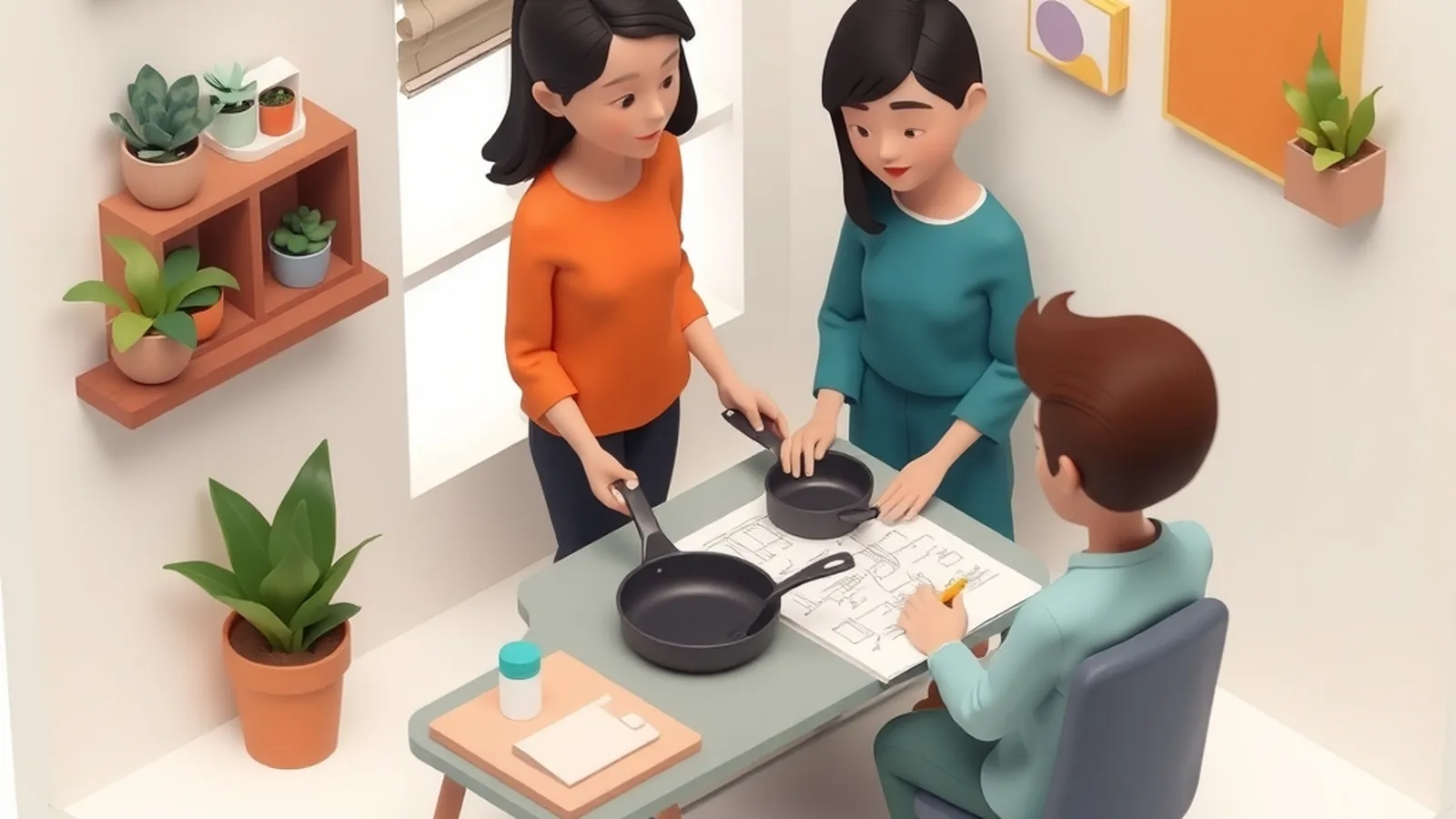
Jordan restores vintage cast-iron pans on weekends. Instead of building a full site, they list three restored pans on a marketplace, each with photos in natural light and a short note on how the pan was cleaned and seasoned. Two questions come in about weight and stovetop types, so Jordan adds a line about each to every listing. One pan sells and arrives with a chipped handle because the box was too loose. Jordan switches to a sturdier box with more padding and adds that cost to the price. After a few months of small changes, they decide whether to add a simple store of their own.
Nothing in that story is dramatic. That's the point. Small stores grow through many small fixes.
Common mistakes to avoid
- Buying lots of inventory before a single sale. Start with what you can afford to be stuck with.
- Copying another store's photos or descriptions. It's unfair, can break platform rules and may infringe copyright.
- Promising delivery you can't control. Under-promise, then ship on time.
- Skipping the return policy. You'll end up writing one in a hurry with an upset buyer waiting.
- Paying for a "done-for-you store" package. Many of these sell a template plus big promises. Our guide to choosing a program shows how to judge offers like that.
Your first task today
Open a blank note and fill in this one-page store sketch:
- Product: what it is, in one sentence
- Buyer: who it's for and why they want it
- Source: make, buy, print on demand or supplier
- Where to sell first: marketplace or own store, and why
- Every cost you can think of: product, packaging, shipping, platform, returns
- One question you still need answered
That last line becomes tomorrow's task. Keep going one line at a time.
Want a step-by-step business course?
Some people like the structure of a paid guide. This button opens a third-party online business program from one of our advertising partners. Results vary and most people earn little or nothing at first. Its claims are its own, not ours, so weigh them against our red flags checklist.
See the partner program →We may be paid when you click. The program shown can change. Read its terms before you buy anything. How this works
Frequently asked questions
Should I start on a marketplace or build my own store?
A marketplace puts you in front of shoppers who are already browsing, which makes it easier to test demand. Your own store gives you more control over branding and customer relationships but means you have to bring the traffic yourself. Many sellers start on one and add the other later.
How many products do I need to open an online store?
Fewer than you might think. A small, focused set of products that you understand well is easier to photograph, describe, stock and support than a large catalog you barely know.
How long does it take to get sales from a new online store?
There is no reliable timeline. Some stores make an early sale and many go weeks or months without one, and results vary widely. Focus on things you control, like clear listings, steady marketing and good service.